Some aesthetic clinic websites could swap their logo and nobody would notice. Flawless skin, a line about becoming your best self and a booking button that arrives before much of an explanation. Everything looks polished. The difficulty starts when you want to find something straightforward: who will see you, where a service takes place or what that first appointment actually means. That is where a website begins to earn trust.
If you are commissioning your clinic’s website, or the current one is ready for retirement, look beyond the homepage. The project needs an individual presentation and a usable journey: understanding the offer, meeting the team and contacting the centre without guessing the next step. This guide sets out ways to review that work, with visual references and practical examples you can take into a design meeting. The aim is to turn an attractive presentation into a site the clinic can use and maintain.
A homepage that makes the clinic recognisable
The opening screen has a specific task: orientation. Name, activity and location should be discoverable without sitting through an extended introduction. There is then room to express the centre’s character. A team photograph, a view of the premises or a more editorial composition might lead the page. The useful choice belongs to that clinic and continues to make sense when someone reaches reception. Elegance can come from explaining things naturally as much as from the visual treatment.
Before discussing colours, try writing an introduction without catalogue adjectives. What the centre does, where it is and how a first consultation works. If that paragraph could appear on any clinic’s website, information is still missing. Sometimes the difference lies in something the team takes for granted: who receives the request, how the consultation is arranged or which practitioners work together. Those details give a designer more useful material than another folder of anonymous smiles.
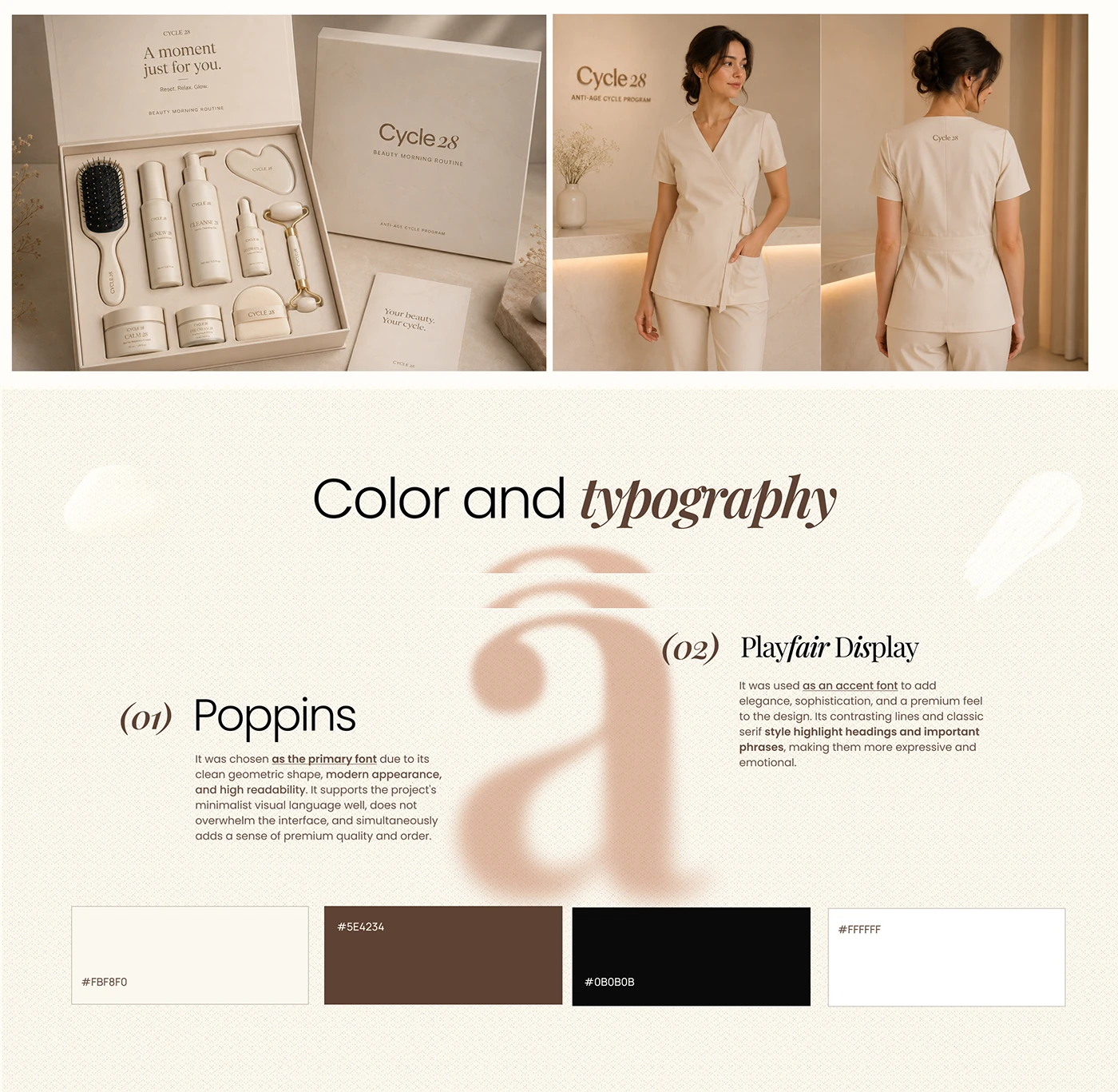
The Cycle 28 presentation on Behance brings together brand applications, a warm palette and a pair of typefaces with different roles. It offers a way to examine how visual direction extends beyond a logo into materials and screens. Applying that approach to your website would mean testing actual copy, longer names and mobile reading. Distinctive typography needs to sit comfortably alongside information people can read and use.
The homepage can open several routes, provided their destinations are understandable: treatments, team, premises and contact. If you also sell products, the shop requires its own journey. Buying a cream and requesting a consultation need different explanations and screens, even under one brand. Clarify that distinction in the commission so an entire ecommerce operation does not disappear into the word “services” in a website quote. It affects content, functionality and the work required after launch.
Give each treatment an explanation that stands on its own
A treatment page should work as a first destination. Someone arriving from Google may not have seen the homepage; somebody following an advert does not necessarily know the team. The page therefore needs to identify the service, clinic and practitioner or team providing it. It can then develop the explanation to the appropriate depth, reviewed by the clinical lead. Design arranges that information and makes it discoverable without requiring the visitor to reconstruct the whole website.
Prepare the content through a conversation with the person responsible for the consultation. Which questions arise before a first visit, what can be explained generally and what requires an individual assessment? That discussion gives the writer material about the process, its limits and the points the practitioner considers necessary. Commercial copy should preserve those distinctions. The website can explain how to request information; decisions about a procedure’s suitability belong in the professional assessment.
Service, clinic and an opening explanation.
Information and limits reviewed by the team.
Practitioners and the first-consultation process.
A request with an understandable next step.
This framework does not require a heading for every block. An explanation might need two developed paragraphs, a photograph and a clarification beside the contact option. Another service will raise more questions. The rhythm should follow the content. Accordions can contain supporting information, while hiding the entire explanation inside them makes the whole harder to review. Present what is needed to understand the service first, with details extending that reading experience.
Page names deserve a conversation as well. The clinic may use its own terminology that a prospective visitor has not encountered. Connect it to an understandable explanation and examine how the need appears in search results. The local SEO guide for aesthetic clinics develops that map of searches and destinations. Here the focus is the page receiving the visitor: what they can understand there and how they can continue towards an enquiry.
Show the people behind the clinic and where it happens
A team photograph becomes more useful when you can connect names and roles to the people in it. Prepare profiles explaining the experience relevant to their work at the centre, using information verified by the clinic. If a practitioner works across several locations, show where a consultation can be requested. Visitors should be able to relate service, team and place without opening five tabs. A longer biography can have its own page, with the information needed for orientation kept nearby.
Photography has specific jobs here. A portrait introduces somebody; a view of the premises helps a visitor recognise the place; a reception photograph explains where a visit begins. Define those functions before the shoot. That allows compositions with room for text and versions that work on a narrow screen. Original photography can describe the actual clinic accurately. Design references help discuss how to present it and what materials the project still needs to produce.
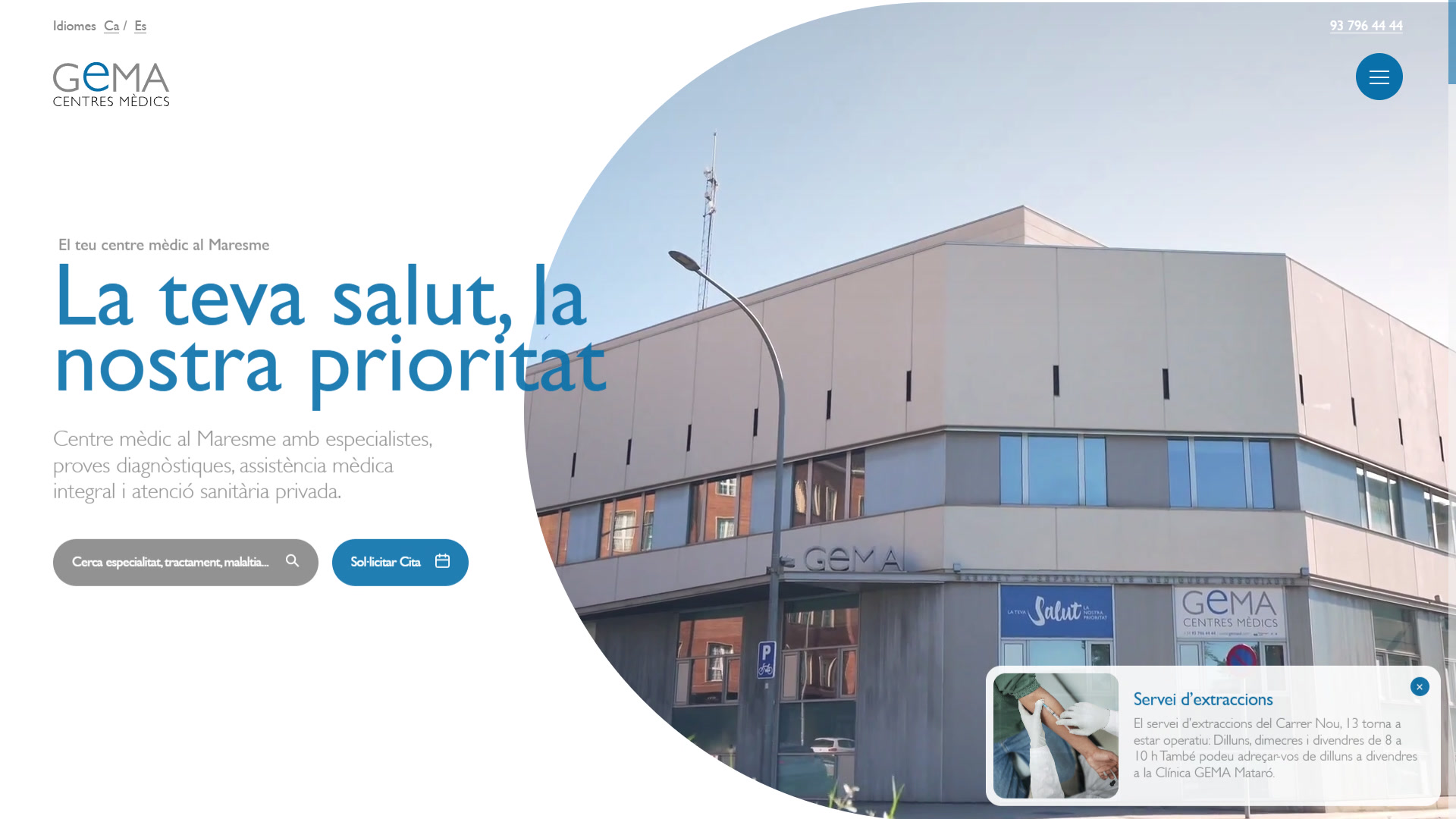
The group’s work for GEMA Centres Mèdics shows the relationship between centres, specialties and practitioners. It is presented for its information organisation and digital experience. Your clinic’s map may be much smaller, but the project still needs to decide which details belong to the service, team and location. A clear structure also makes maintenance easier: changing opening hours should have a recognisable home within the editing process.
When preparing material that supports trust, collect things you can explain: current profiles, premises photography and source links for the reviews you choose to display. Proposed patient stories or images require their own selection and authorisation review with the clinic. Design should give the material used an appropriate context. An external image can illustrate an editorial reference, as in this guide; it should not end up presented as an outcome achieved at your centre.
The appointment button needs to deliver what it says
“Request information”, “Ask for a call” and “Book a consultation” propose different actions. If the button opens a form that reception reviews later, the screen should explain that. If it lets someone choose an appointment from a calendar, specify when it becomes confirmed and which conditions appear. Make this decision with the person handling requests. It is a central part of the project, even if it occupies less visual space than the homepage photograph.
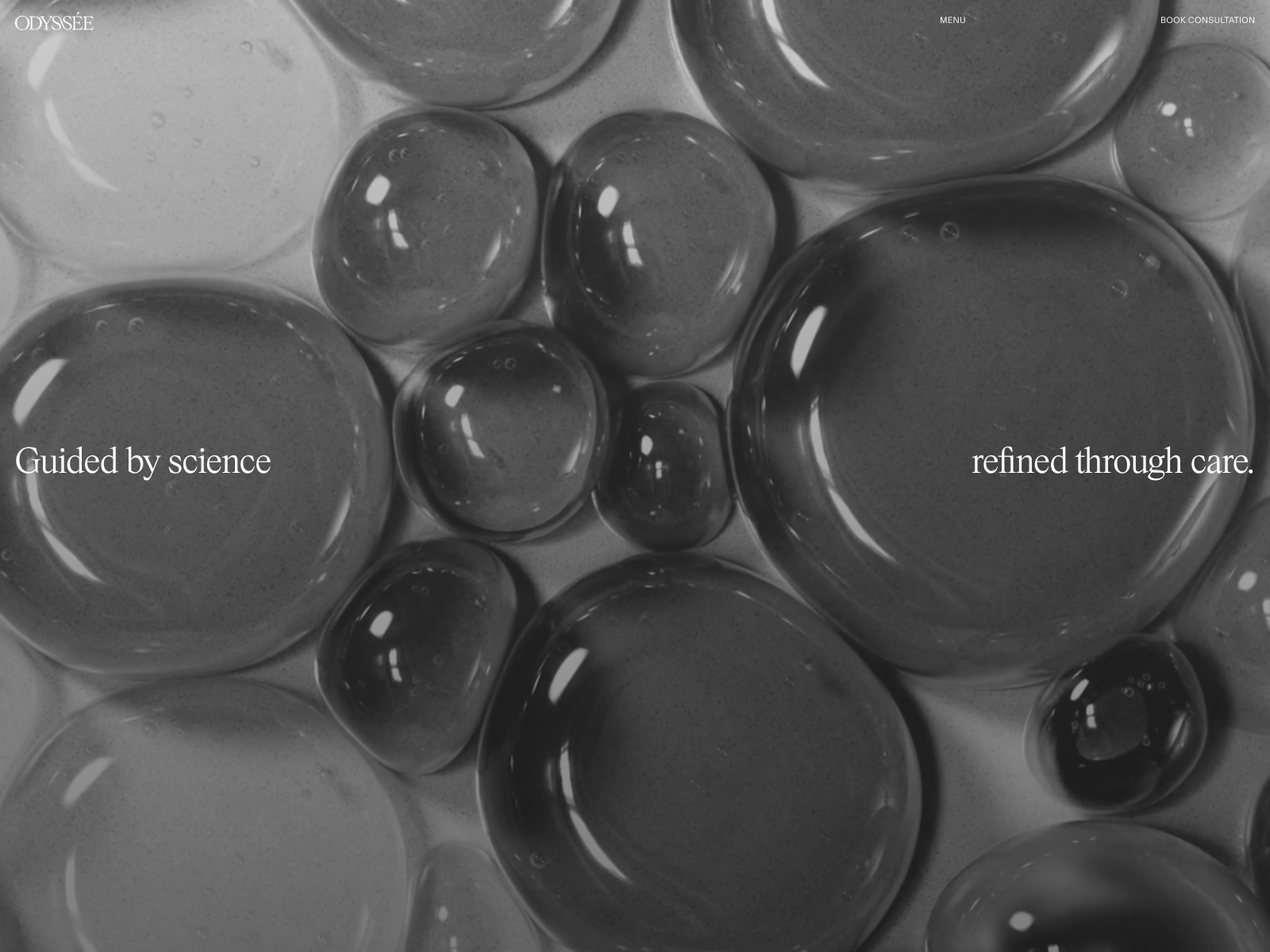
On Odyssée’s public website, the consultation link leads to an external platform. Nightjar’s digital project is featured on Awwwards and offers a reference for studying the relationship between presentation and next step. When commissioning your own integration, examine the whole transition: what someone recognises on leaving the website, which service and location they can select and how they return for more information. Checking that the link opens is only the start of that review.
A form also needs a sensible discussion about fields. For an initial organisational request, agree what information reception needs to reply and how it will be collected. If the process requires clinical information, establish the appropriate channel and conditions with the centre before adding fields or attachments. The marketing form does not need to attempt the entire first consultation. A clear purpose makes its instructions and response easier to design.
Reception will review the request. The appointment remains to be arranged.
Date, location and relevant instructions are communicated.
Acceptance testing should reach reception. An identified internal submission lets the team check delivery, notification and response alongside the message shown to the sender. Recording the button click may help examine the journey; it does not establish a confirmed appointment. If enquiries are already arriving but few become agreed dates, the guide to clinic enquiries that do not become bookings examines what happens after the website.
Review the website on a phone with an actual task
The large mockup makes everything easy. There is space, the photograph has its best crop and nobody has opened a phone keyboard yet. A useful review starts when you try to find a treatment, read its explanation and contact the clinic on a small screen. Check the menu, location details, tappable phone number and return from the appointment platform. Where a popup covers information or a fixed element occupies too much space, record the task it prevents someone completing.
Forms deserve their own attention. W3C’s tutorials explain the importance of identifying fields and communicating errors and successful submissions. Turn that into straightforward review questions: do I know what each field asks for, understand what is missing and receive confirmation of submission? Ask for keyboard navigation, visible focus and content reading to be checked too. The point is to make the design usable throughout the task.
| Review task | What to observe | Who can resolve it |
|---|---|---|
| Find the service | Understandable name and a specific destination. | Content and design with the clinic. |
| Meet the team | Name, role and relationship to the service. | Clinic and content owner. |
| Request an appointment | Instructions, delivery and request status. | Development and reception. |
| Use the phone | Readable content, menu, keyboard and contact. | Design and development. |
| Change information | Editing and reviewing hours or profiles. | Person maintaining the website. |
Loading is part of that experience. Review the page with its final photography, videos and tools, both on arrival and while scrolling. Effects should leave people comfortable reading and finding contact options. If an animation makes visitors wait before discovering the menu, there is a concrete design decision to discuss. Ask for corrections to be documented against the version intended for publication. A review list becomes useful when it leads to changes that can be verified.
Commission a project you can review and maintain
A useful proposal identifies pages, copy, photography, languages, forms and integrations. It distinguishes who supplies material and who turns it into a publishable version. Include the clinic’s review work and the areas it will be able to edit afterwards. If an existing site receives search visits, replacing it requires an inventory of its addresses and appropriate preservation or redirection. The new homepage deserves a good arrival for people entering through an older page as well.
Begin with the current website, services, team, locations, languages and appointment system. Add visual references and explain what interests you in each: photography, comfortable reading or clear contact options. Through our website design service for aesthetic clinics, we turn that material into structure, content and design with the Code Barcelona team. Tell us what your clinic needs so we can define the project. A good design meeting ends with decisions about what people will be able to do on the website.