The best AI avatar generator lets you make the video you need, review it properly and repeat the workflow without fighting it. The most impressive face in a demo may not be the one that explains your product best. Let’s look at the whole job. There is rather more to it than choosing a smile.
This selection of AI avatar video generators for 2027 compares six options by their approach and documented features: HeyGen, Synthesia, Colossyan, D-ID, AI Studios and Arcads. It includes original visuals, a decision table and an evaluation exercise you can use with your team.
This is not a performance ranking based on our own tests or a price competition. We checked official sources in October 2026 to prepare for 2027. Recommendations reflect our editorial judgment; check specific features in the plan you intend to purchase.

AI avatar video generator comparison
| Tool | Approach to consider | What we would evaluate |
|---|---|---|
| HeyGen | Recurring presenter and content versions | Voice, natural delivery and language review |
| Synthesia | A team library of explanatory videos | Consistency between scenes and video maintenance |
| Colossyan | Explanations, training and structured content | How well viewers understand the process |
| D-ID | Presenter videos in a scene editor | How voice, screen and message work together |
| AI Studios | Videos with your own digital representation | Source recording and final versions |
| Arcads | Advertising creative variations | Useful differences between angles, scripts and actors |
The table offers guidance, not boundaries between products. Several platforms can handle the same video. The difference becomes clearer when you produce your script, in your language, with your materials and the person who will review the work every week.
If you are still deciding what role the format should play, start with AI avatars for marketing in 2027. If you have a specific objective, use this comparison to narrow the selection to two tools.
1. HeyGen for a recurring presenter
HeyGen documents stock avatars, photo avatars and digital twins. Its material also shows script-based production and localization options.

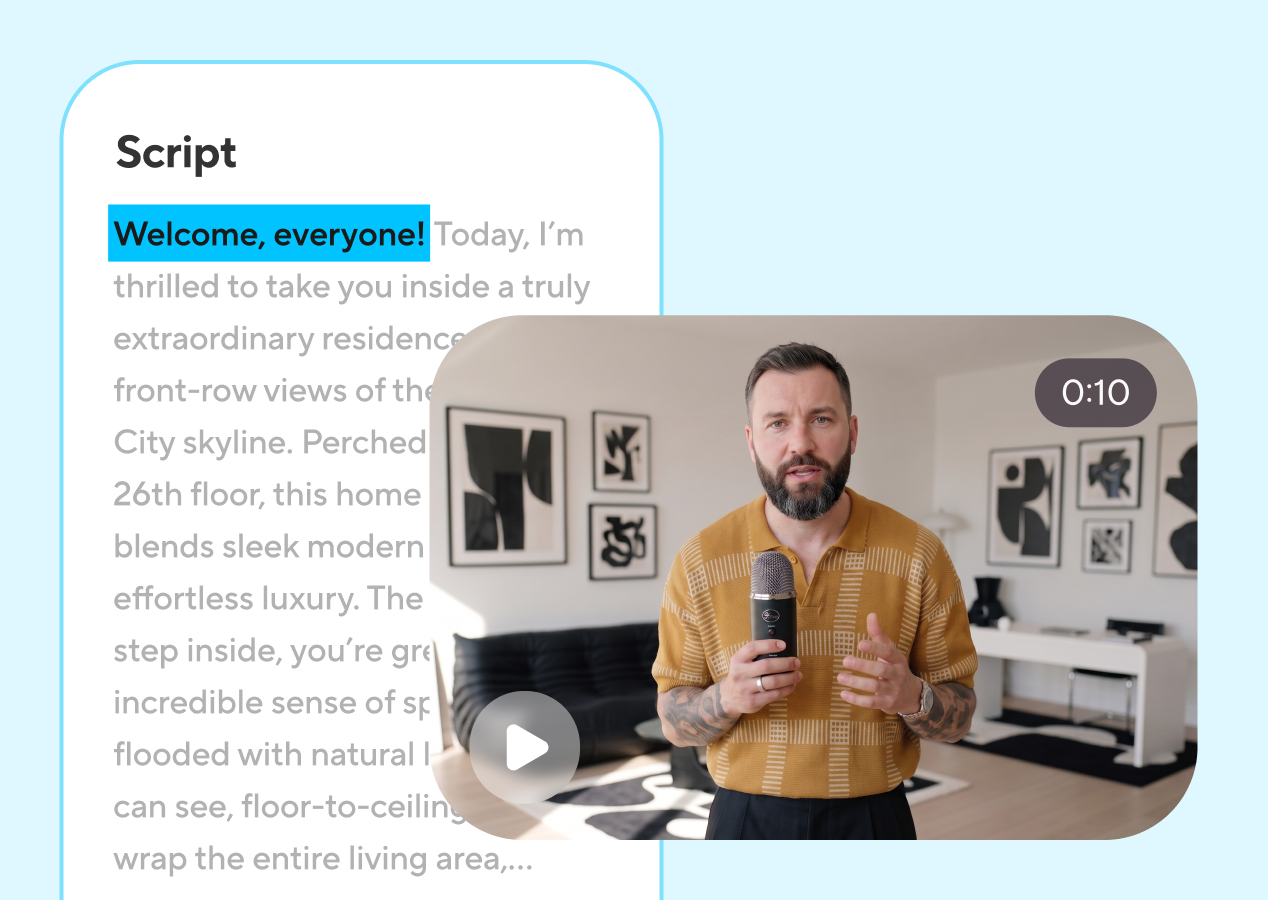
When we would consider it. An expert needs to explain recurring topics, a business wants short product videos or a team needs a recognizable presenter across versions. The first pilot should contain something specific: a customer question, a demonstration or an explanation genuinely understood by the person signing it off.
What we would review. Pace in the publishing language, brand pronunciation and delivery between sentences. Check a calm passage and a more energetic one. A voice can sound pleasant for ten seconds and become monotonous when it sustains an explanation.
Presenter continuity matters too. Save the approved voice, framing and setting with the project. If everyone on the team interprets those decisions differently, you may end up with individually acceptable videos and an unrecognizable brand overall.
The editorial decision. We would choose a video in which the face introduces the topic and the product occupies part of the footage. That lets us assess the complete fit instead of choosing solely on the quality of a portrait.
2. Synthesia for a video library
Synthesia’s documentation distinguishes stock and custom avatars and explains management and previews. Available options vary by avatar type.


When we would consider it. A team needs videos that belong together: product explanations, sales training, welcome content or videos that change with the offer. The tool should support a library approach rather than a collection of unrelated projects.
What we would review. We would produce a video with several scenes and ask another team member to correct one sentence and one screen. The correction time matters as much as the first render. Maintenance tends to become important after purchase, when twenty videos exist and a feature has just changed.
Choosing between a photographic and illustrated style deserves its own discussion. Try both with the same message and consider the relationship they create with the content. A graphic character may help explain an idea; an authorized real expert may bring recognition. Neither guarantees credibility on its own.
The editorial decision. We would look for visual consistency, easy review and scene reuse. For a library, those factors can matter more than an impressive gesture in an isolated sample.
3. Colossyan for structured explanations
Colossyan shows stock and custom presenters, script editing and video export. It also has an illustrated avatar offering.


When we would consider it. The video must teach a sequence: completing a request, using a feature or understanding a proposition. Each scene needs to add something recognizable. The avatar may introduce a step; the screen or demonstration must show how to do it.
What we would review. How easily a longer script separates into scenes and how much control we have over what viewers see during each sentence. We would ask someone unfamiliar with the process to follow the explanation. If they constantly pause to understand it, review the content before blaming the voice.
Watch what happens to on-screen text in another language. A short label may become much longer and stop fitting. Keeping versions visually consistent requires composition decisions, not just correct translation.
The editorial decision. We would evaluate a full explanation and a later correction. The video should remain readable and useful when it becomes episode five of the series.
4. D-ID for presenter and scene composition
D-ID’s Creative Reality Studio creates videos with digital presenters. Its public interface shows scenes, scripts and composition elements.
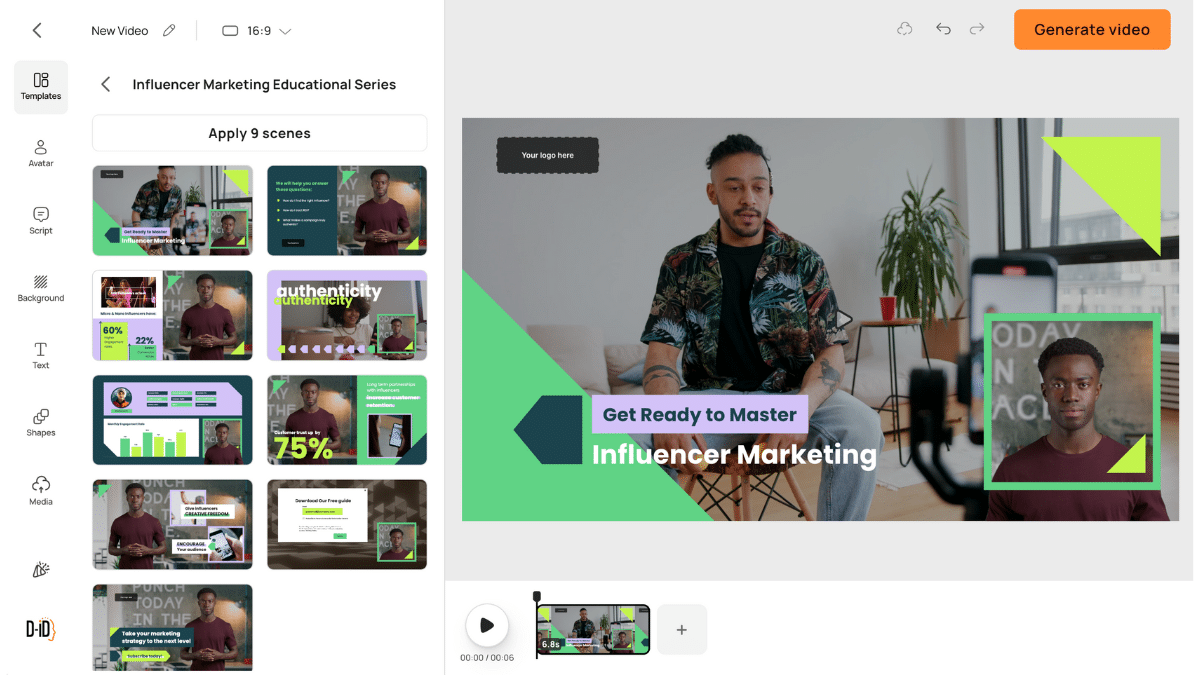
When we would consider it. You need to combine a face with a visual explanation: a short module, product page or presentation. First decide whether the avatar fills the frame, supports the content or disappears while an important action is shown.
What we would review. The balance between face size, content and captions. A website video may need a different composition from vertical social content. Before producing a collection, review the final file in the place people will watch it.
Keep this assessment separate from a conversational experience. If you want the character to respond, you also need to review the response system, knowledge and boundaries. An exported video may explain a script accurately; that does not make it ready to answer any question.
The editorial decision. We would assess whether the editor supports a clear composition and whether the voice leaves room for visual content. Having a presenter does not mean everything has to revolve around their face.
5. AI Studios for a personal avatar
AI Studios from DeepBrain AI documents personal avatar creation from a recording. The process includes training and consent material. It also describes a studio avatar option.
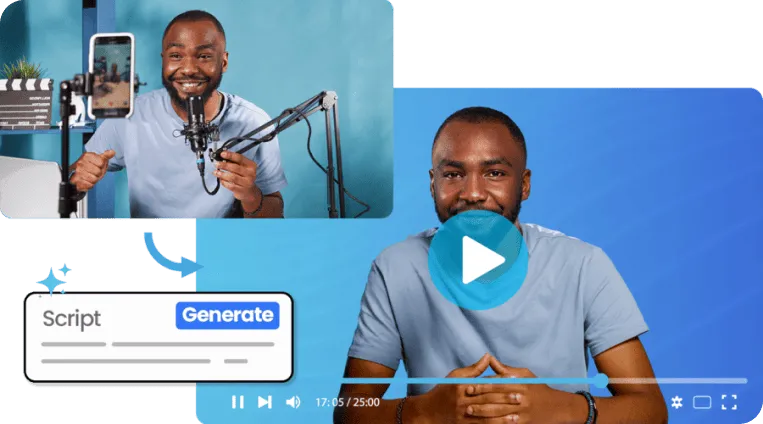
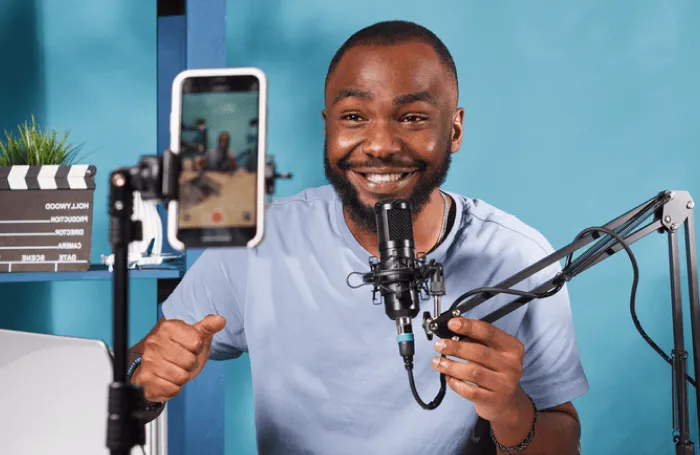
When we would consider it. A specific person’s image forms part of the communication, and that person wants a recurring format. Start the project by agreeing which performances the digital twin can represent and how every video is approved.
What we would review. Preparation of the source recording and delivery across several sentences. Good lighting and a clear voice matter when that footage becomes the foundation of future performances. Check proper names and words associated with the person’s expertise.
For multilingual teams, produce a short sample of each version that matters to the business. Do not assume an English demo represents the quality of every available voice, accent and combination.
The editorial decision. We would treat it as personal identity production: choose the source, scope of use and person maintaining the videos carefully. Creating the avatar is not the end of the decision.
6. Arcads for advertising variations
Arcads documentation describes AI actor ads from a script, product or prompt, alongside variations and editing. The provider notes that AI actors are not real customers.

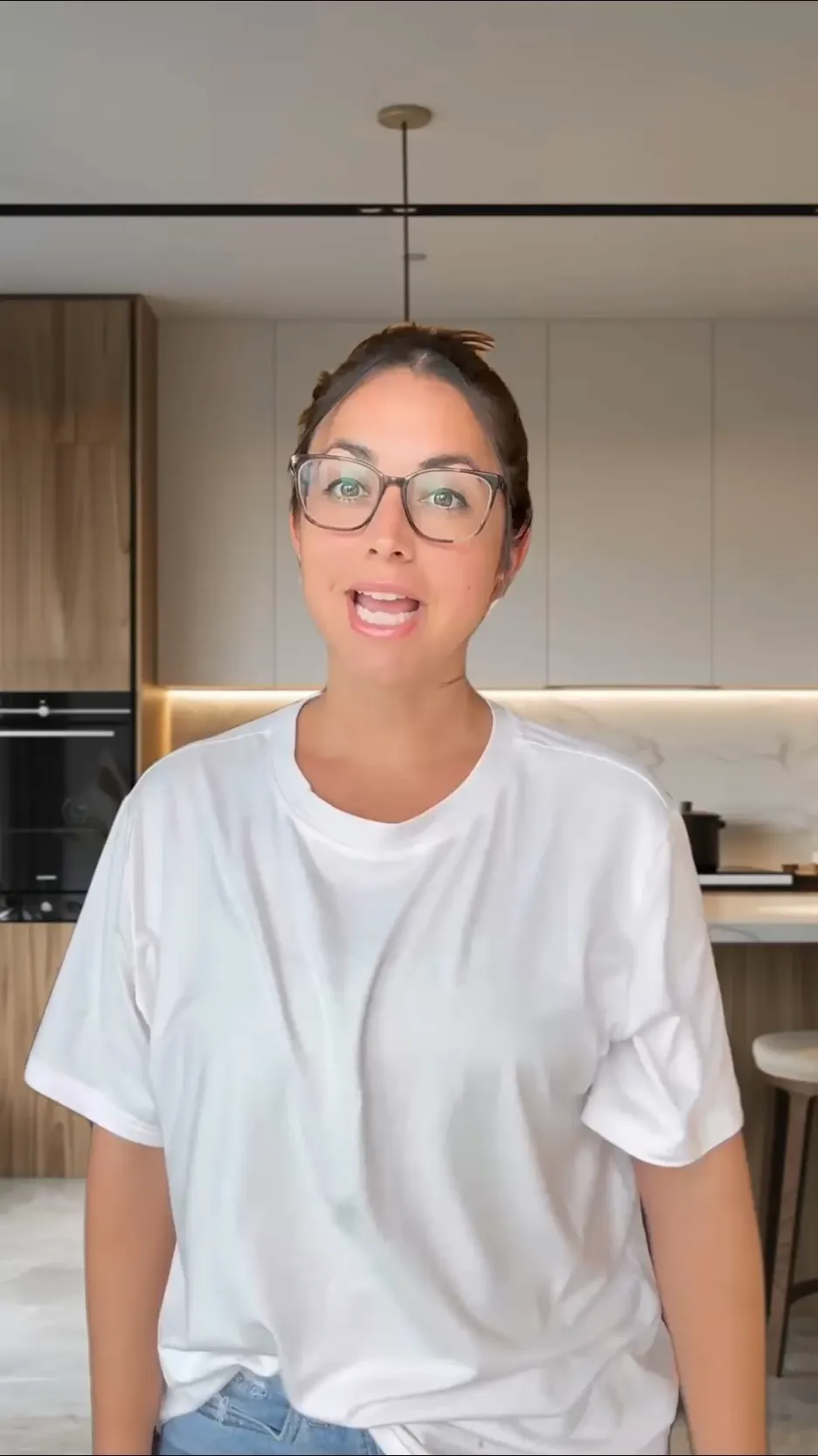

When we would consider it. Your team produces advertising and needs to compare arguments, openings and offer presentations. Actor selection should follow the message and audience. Finding an attractive face and then looking for a product is an expensive way to improvise.
What we would review. Three variations changing one relevant decision, with the same product evidence and a coherent call to action. Look at how the edit combines shots and whether the script sounds written for speech. Forced spontaneity often shows even when the lip sync looks convincing.
A format resembling creator content does not make the actor a buyer. Use verifiable claims about the offer, and reserve personal experiences for people who genuinely had them and authorized their use.
The editorial decision. We would assess the tool within a creative testing process, with hypotheses and version records. Producing many videos has value when it helps learn which argument interests people.
How to evaluate two generators without getting lost in demos
One script, two tools and a real review
Prepare a short explanation of a product you know. Include a brand term, customer question and product shot. Keep the same message in both tools. This is a proposed evaluation exercise, not a test we have conducted.
Record preparation, renders and required corrections.
Check voice, content, scenes, captions and brand fit.
Change a sentence and a screen to assess maintenance.
Start with two tools, not six subscriptions. Choose the closest fit and make a complete video. Avoid comparing a carefully directed afternoon’s work in one platform with a rushed first attempt in another: you would be measuring editorial attention as well as software.
Ask three people to review it: someone who knows the product, someone who produces content and someone resembling the audience. Each will find different problems. Save specific criticism: “the brand name sounds wrong,” “I can’t see the button being discussed” or “the ending doesn’t tell me what to do.” An overall realism score helps much less.
| Criterion | Evidence to keep | Decision |
|---|---|---|
| Voice and pronunciation | The exact sentence needing correction | Can we fix it without remaking everything? |
| Image and movement | A video moment, not just a portrait | Does it distract during the important message? |
| Editing | Time for a specific change | Can the team maintain the series? |
| Language | Script, captions and voice review | Does the version sound right for the market? |
| Export | The file played at its destination | Is it readable and audible where it will appear? |
The real cost of an avatar generator
The subscription is only one part. Count discarded generated minutes, scripting time, asset preparation, review and final editing. Compare cost per approved video, not cost per video the dashboard says it produced.
Before subscribing, check the plan conditions for your actual work: usage rights, generation limits, resolution, watermarks, languages, team access and custom avatar options. Commercial pages may mix features from different plans. A button visible in a demo does not prove your subscription includes it.
For a maintained series, assign someone to review product changes too. A video can keep circulating after a feature disappears or a price changes. Saving the script, date and page supporting each claim makes informed updates possible.
AI avatar generator FAQs
Which generator is best for marketing?
There is no universal winner. Narrow the choice to the job: recurring presenter, explanation library, personal avatar or ad variations. Then compare a complete video with the same objective and materials.
Can I start with a free plan?
If a provider offers a trial, it may help you understand the workflow. Check conditions before using its output in a campaign: a limited trial does not guarantee the same rights, exports or quality as a commercial plan.
Do I need my own avatar?
Not for every project. A stock presenter may suit a pilot. A custom avatar makes more sense when continuity around a person or brand world adds something clear to the content.
How do I make a complete video?
The AI avatar video tutorial covers scripts, voices, scenes and review. For advertising, continue to AI avatar ads, with a method for planning variations.
What if I love the demo but dislike my video?
Review script, voice, material and editing separately. A provider demo has creative direction and a prepared context. Use that reference to identify the missing decision in your production rather than asking the avatar to do all the work.
At Lead the Mood, we connect the format with content and brand. For production with continuity, first work on the editorial strategy and the role these videos will play in your social media.
An editorial comparison based on official documentation checked in October 2026. Visuals and demonstrations are attributed to providers. It contains no results from our own tests, guaranteed 2027 pricing or commercial performance promises.