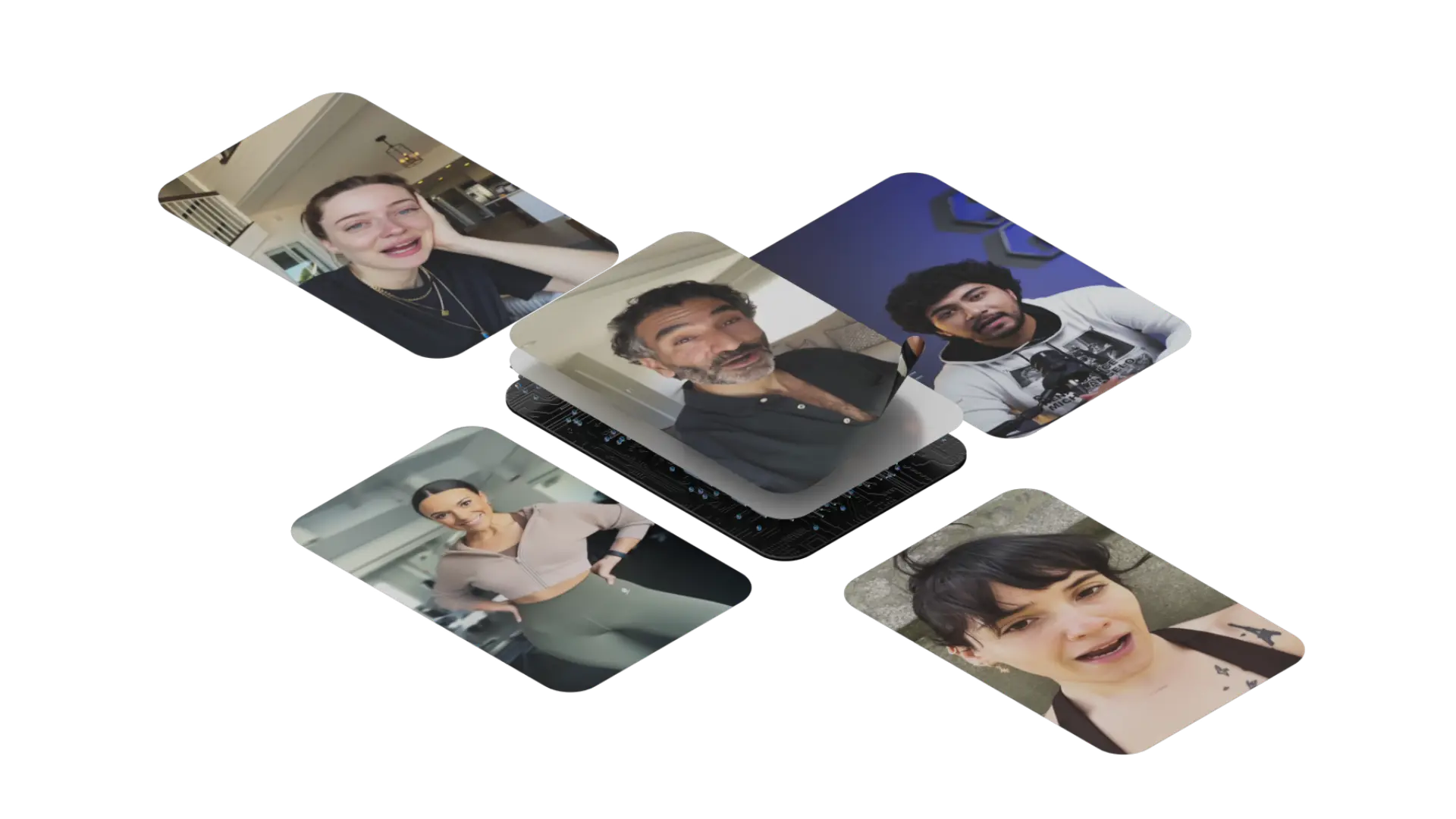
An avatar can read your script to camera. That is not yet an ad. The ad appears when there is a reason to pay attention, an understandable offer and evidence supporting it. Without those, you have simply hired a digital face to read a brochure.
We’ll explore how to create ads with AI avatars in 2027 through a complete process: objective, hooks, product, presenter, variations, landing page and measurement. You’ll see original visual references and a campaign exercise you can adapt to your brand. Without invented results or confusing a synthetic actor with a satisfied customer.
1. Define the offer before choosing the actor
Write down who the ad addresses, what problem they recognize and what they can do after watching. The avatar comes later. This avoids a common mistake: finding a face we love and hurriedly searching for an argument. A campaign does not need brilliant casting if it still does not know what it is saying.
An original practice brief
Estudio Nexo is a fictional booking software brand. We want small business managers to request a demonstration of confirming appointment changes. The entire exercise is an editorial proposal. We have not launched ads for this brand or collected campaign data.
For a real project, prepare four materials before writing: offer description, customer objections, product demonstration and landing page. Add which claims you can substantiate. If you promise saved time, explain the action the product removes or simplifies; without your own measurement, do not turn that idea into an invented percentage.
| Decision | Exercise example | What a real campaign needs |
|---|---|---|
| Audience | Businesses managing appointments | A segment and recognizable need |
| Offer | A demonstration of change confirmation | An existing, clearly explained feature |
| Evidence | A planned screen sequence | Real product footage |
| Action | Request a demo | A page that makes it easy |
Have the demonstration available from day one. It prevents all persuasion depending on an actor gesturing against a pleasant background. A specific shot can answer more than an enormous sentence about revolutionizing management. Most ads have already revolutionized quite enough things in their previous three paragraphs.
2. Write three hooks that open three conversations
A hook is the way into your message. It can begin with a question, action or observation. It does not have to shout or promise disaster if we fail to buy. Find a situation the audience recognizes and the rest of the video can resolve.
Where does the change go when a customer moves an appointment?
Let’s confirm a booking change, step by step.
Before choosing a booking tool, see how it handles a change.
These are original openings for the fictional exercise. A presents a situation. B offers to show an action. C introduces a buying criterion. Keeping this distinction helps interpret what attracts the audience. Changing “fast” to “very fast” makes a variation, but not necessarily a new idea.
Write hooks using language from real business conversations. Do not copy private comments or identify customers without permission; extract the question and turn it into a general situation. If the audience discusses confirming appointments, an opening about “omnichannel operational optimization” probably takes you further away from them.
3. Write an ad that shows what it promises
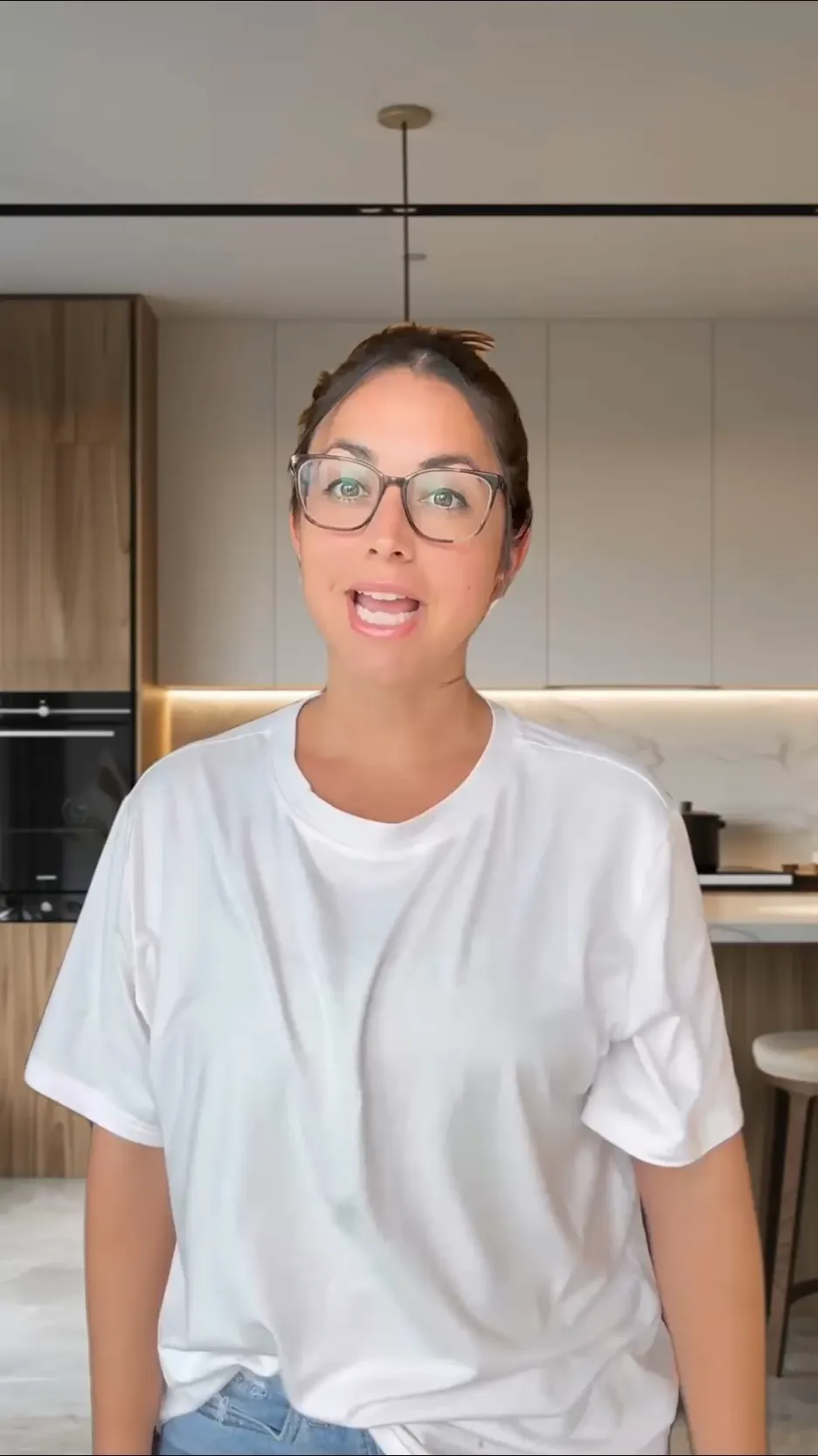
Work with an opening, demonstration and ending. There may be an argument between them, but it should relate to something visible or something you can justify. The avatar can introduce the idea; the product should demonstrate it.
Where does the change go when a customer moves an appointment? In this Estudio Nexo demonstration, we open the booking, check the new time and confirm the update. See how the change appears in the calendar. To watch the full process and check whether it suits your business, request a demo.
This script is not a testimonial. It explains a process proposed for the exercise. For a real campaign, check that the footage shows exactly the actions and outcome described. If the software requires an extra step, the edit must respect it.
| Voice | Planned material | Commercial purpose |
|---|---|---|
| The opening question | Presenter and short label | Recognize a situation |
| Open and review | Product footage | Make the action visible |
| The calendar change | On-screen outcome | See what happens |
| Request a demo | A simple ending | Continue the evaluation |
Avoid a script that begins as a conversation and finishes as a list of twelve benefits. If you need several arguments, make several videos. One creative can address a process’s simplicity; another a comparison; another a question that comes up just before purchase.
The text should sound like someone who understands the problem, even when an avatar performs it. Read each sentence aloud. Change constructions that only work in writing and remove words adding no information. Natural delivery begins with that work.
4. Decide whether the avatar introduces, demonstrates or supports
A creator speaking to camera can make a useful opening. It can also exhaust attention when nothing else arrives. Decide how much screen time the presenter gets and when attention should move to the product. An effective video may use the avatar for a few seconds and spend the rest showing something.

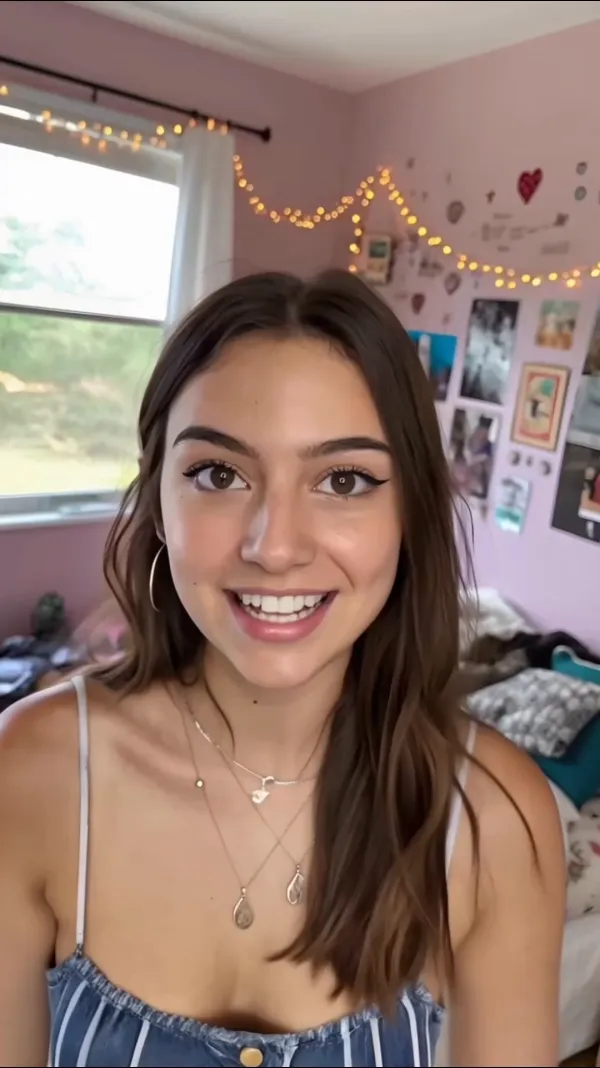
A formal face against a studio background creates a different context from a shot resembling a home recording. Neither is automatically better. Connect the choice to the offer, audience and brand. A specialist solution may need evidence and clarity more than manufactured familiarity.
A UGC-style ad can use a social visual language, but its synthetic actor is not a user who tried the product. Arcads makes that distinction in its documentation too. Do not invent a personal experience to create closeness. Explain a feature, show an offer or cite a real review with suitable attribution and permission.


If you use a team member’s digital twin, define how scripts will be approved. The ability to make that image speak should not turn every campaign decision into a formality. The person remains associated with the message appearing alongside their face.
5. Produce a base video you can review
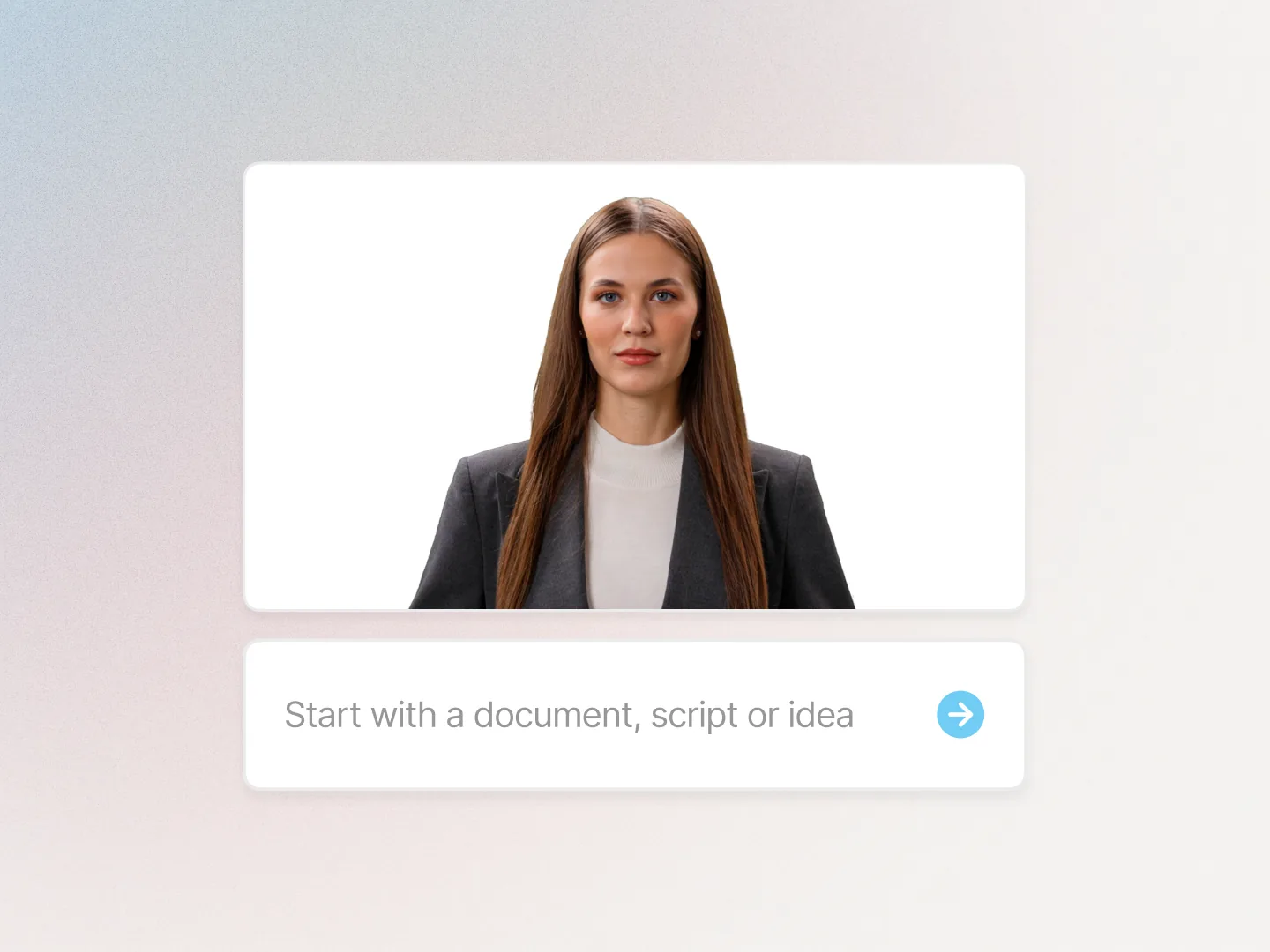
Choose a tool for the job. The Arcads guide describes AI actor ads and variations. Our generator comparison lets you contrast that approach with other presenter formats.
Add the script by scene, prepare the voice and insert product material. Generate a base version and review content, pronunciation, movement and editing separately. Record corrections before duplicating it. Multiplying a video with a product error merely gives you more errors at the same speed.
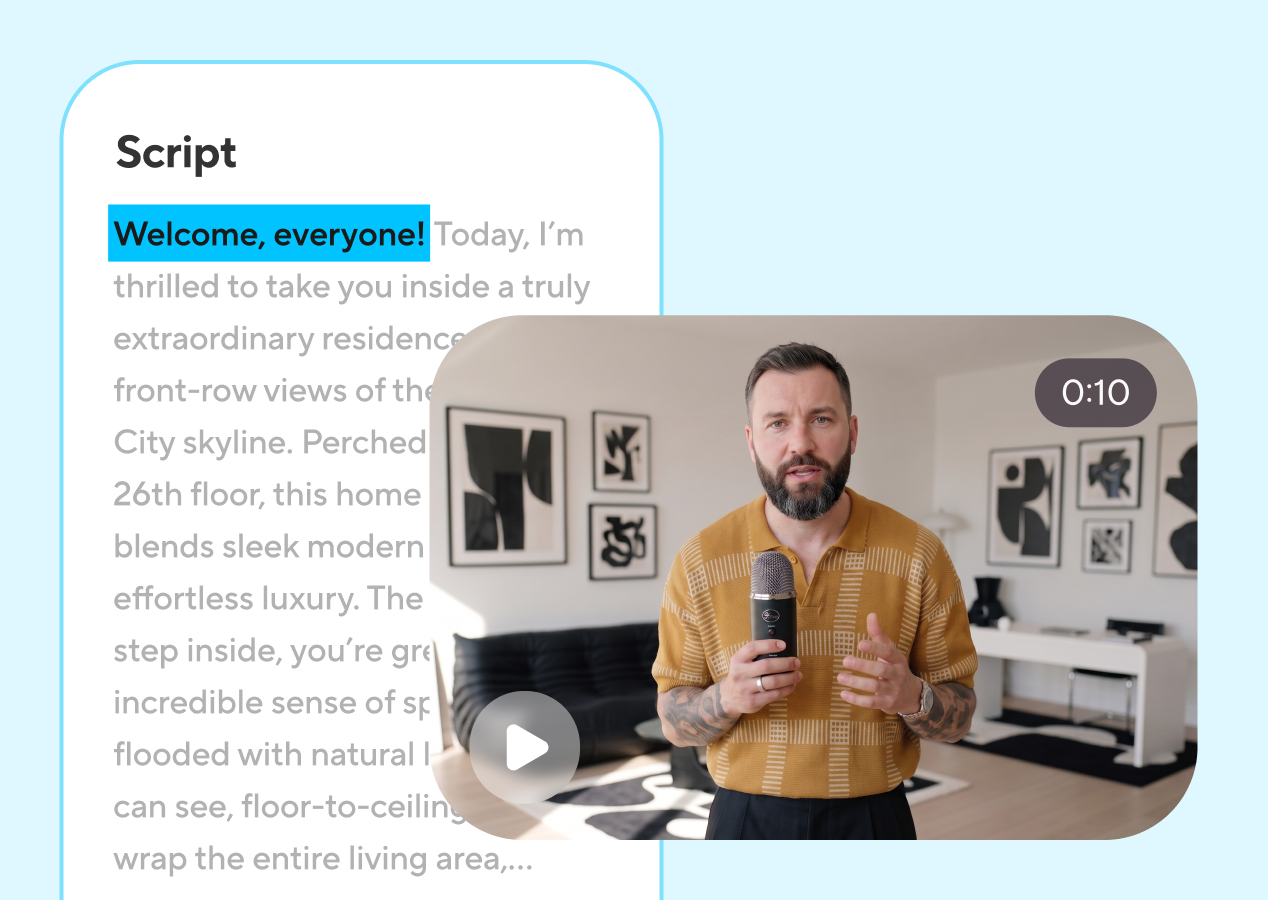
Prepare readable captions and short labels. Check the file in its publishing format, including areas occupied by channel controls. If a follow button or description covers the key information, the edit needs adjustment.
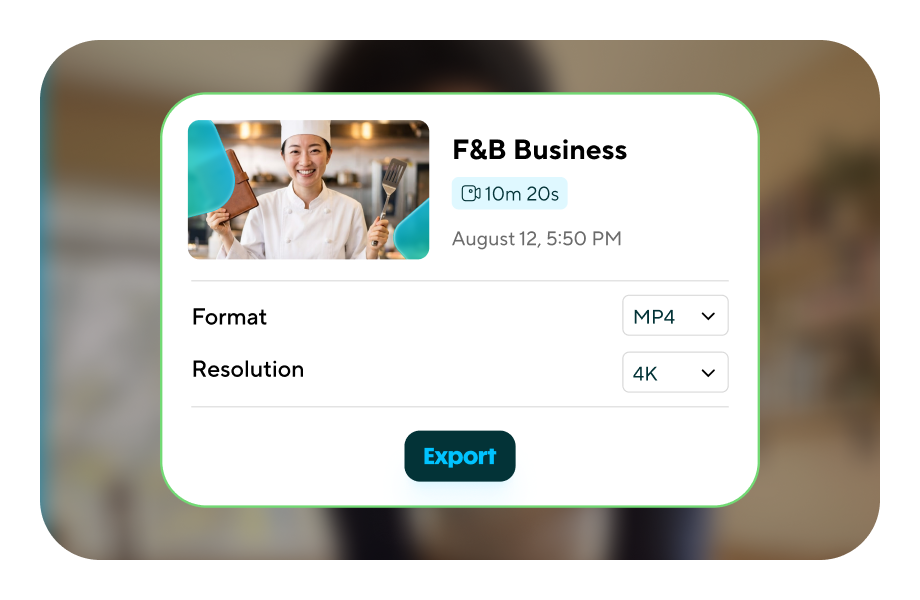
Adapting format requires reviewing the shot. Moving from horizontal to vertical can crop out the action proving a benefit. Keep the original recording and compose a suitable version for each destination. An automatic crop can be a starting point; it should not decide what the viewer needs to see.
6. Create variations around a recognizable hypothesis
Start with three openings while retaining body, offer, presenter and ending. The exercise hypothesis is that a question, direct demonstration and buying criterion may attract differently. We do not know which will work; that is why we propose the experiment.
| Round | Planned change | What stays | What we want to learn |
|---|---|---|---|
| First | Opening | Product, body and ending | Which entry attracts interest |
| Second | Main argument | Chosen opening and offer | Which explanation moves people forward |
| Third | Visual presentation | Message and destination | How format supports viewing |
This table is an indicative creative plan. Channel settings, distribution and budget also affect results. To isolate a difference rigorously, use suitable channel experimentation features and document the conditions. Do not call an informal comparison of ads with very different exposure a controlled test.
Keep version names that show what changes: for example, Nexo-bookings-question-en-v1 and Nexo-bookings-demo-en-v1. Add date, script and destination. You can then connect a number with a creative decision without opening fifteen files called final-final-really-final.
For new languages, adapt each script manually and have a competent speaker review the voice. Keep the offer and evidence but allow changes in pace and expression. Do not mix an opening test with a market test: changing language and audience means the outcome reflects several differences.
7. Make the page continue the ad
If the ad promises to show booking confirmation, the page should show that process or let people request it. A generic header about innovation forces visitors to reconstruct the conversation. The move should feel like the next shot in the same argument.
Review headline, opening section, demonstration and call to action. Keep the words describing the feature and explain what someone receives after submitting details. A clear form may qualify interest better than a vague invitation to discover a universe of possibilities.
For real production, add consistent tracking parameters and check that the important action records correctly. Avoid personal data in these labels. Campaign name, format and version usually provide what the team needs to interpret the journey.
A specific question and demonstration.
The same feature with enough information.
A clear step and a prepared sales response.
Connect the ad to content that helps evaluate the offer too. A guide or comparison may resolve an objection before the demo. The avatar occupies one part of the journey; the strategy needs to connect the others.
8. Measure the journey and choose a correction
First check whether the video is watched and holds enough attention to explain the offer. Then examine the move to the page. Finally, assess the commercial action and its quality. An opening can create curiosity and attract irrelevant visits. Another approach may bring less volume and better conversations.
Interpret each number with its denominator and observation period. Click-through rate relates clicks to impressions; a request rate relates requests to the visits chosen as its base. Before comparing, make sure both versions use the same calculation. A beautiful graph does not fix different definitions.
| What you observe | What to review first | Possible creative change |
|---|---|---|
| Early attention loss | Opening clarity | Reach the situation or demonstration sooner |
| Viewing without interest | Argument and offer | Show more specific evidence |
| Visits but few requests | Continuity with the page | Adjust the destination and explain the next step |
| Unsuitable requests | Audience and expectation | Clarify who the offer serves |
Do not automatically attribute a change to the avatar. Audience, distribution, offer and timing may vary too. Record what changed and what stayed. If data is limited, keep the hypothesis provisional rather than turning it into a universal rule.
A useful review ends in a concrete decision: which video to keep, which sentence to correct or which new hypothesis to explore. Generating more ads without a learning question can increase production without increasing knowledge.
AI avatar ad FAQs
Can they work for Reels, TikTok or YouTube?
The format can be adapted for those channels. Check dimensions, interface areas and current publishing and advertising requirements. The video needs to work at its destination, not just inside the editor.
Does an avatar ad have to look like UGC?
No. It can explain a product, present a brand or demonstrate a process. Choose the visual language for its purpose. Closeness does not require pretending the actor is a customer.
How many variations should I create?
Enough to answer a creative question you can evaluate. Three different openings may teach more than dozens of cosmetic changes. Expand the set when you have a clear hypothesis and capacity to review results.
Can an avatar present a review?
Only use real feedback with appropriate attribution and permission, making clear who had the experience. A synthetic actor should not claim that experience as their own.
How do I prepare the first video?
The AI avatar video tutorial covers scripting, scenes and editing. The AI avatars for marketing guide places the format within a content plan.
At Lead the Mood, we connect editorial content, brand and social media so creative has a useful journey. An avatar can speed up part of production. The offer, evidence and judgment still need a team that thinks.
A 2027 planning guide with official sources checked in October 2026. Brief, hooks, script and matrices are original proposals for a fictional brand. Tool visuals are attributed to providers. The campaign has not been run, and no own performance data is presented.