Making an AI avatar video starts well before choosing a face. It starts with a sentence someone needs to hear, a demonstration worth watching and an ending that lets them continue. Then we can open the generator. That order saves more work than any magic button.
This guide explains how to create AI avatar videos in 2027, from script to final version. We’ll work through an original example, scenes, voice decisions, captions and other language versions. Original visuals from real tools help show the workflow.
1. Decide what the video should resolve
Choose a person, a question and an action. The person might run a small business and be comparing tools. Their question might concern confirming bookings. The action might be watching a complete demonstration. If the video tries to convince five audiences of eight different benefits, the script will be the problem, however convincing the face looks.
The example we will use
Estudio Nexo is a fictional business offering booking software. We want a short explanation of appointment confirmation. The product, texts and plan are an editorial exercise; we have not generated this campaign or measured its performance.
For a real video, replace the fictional name and proposed features with your product and its verified capabilities. Save a screenshot or source supporting each claim. This helps approval and prevents the script promising a feature that sales must later explain does not exist yet.
Before filming or generating anything, collect the materials: logo, screen recording, necessary images and landing page address. Make a short list of words requiring specific pronunciation too. A brand, acronym or feature name can become the small obstacle holding up every version.
2. Write a script you can say aloud
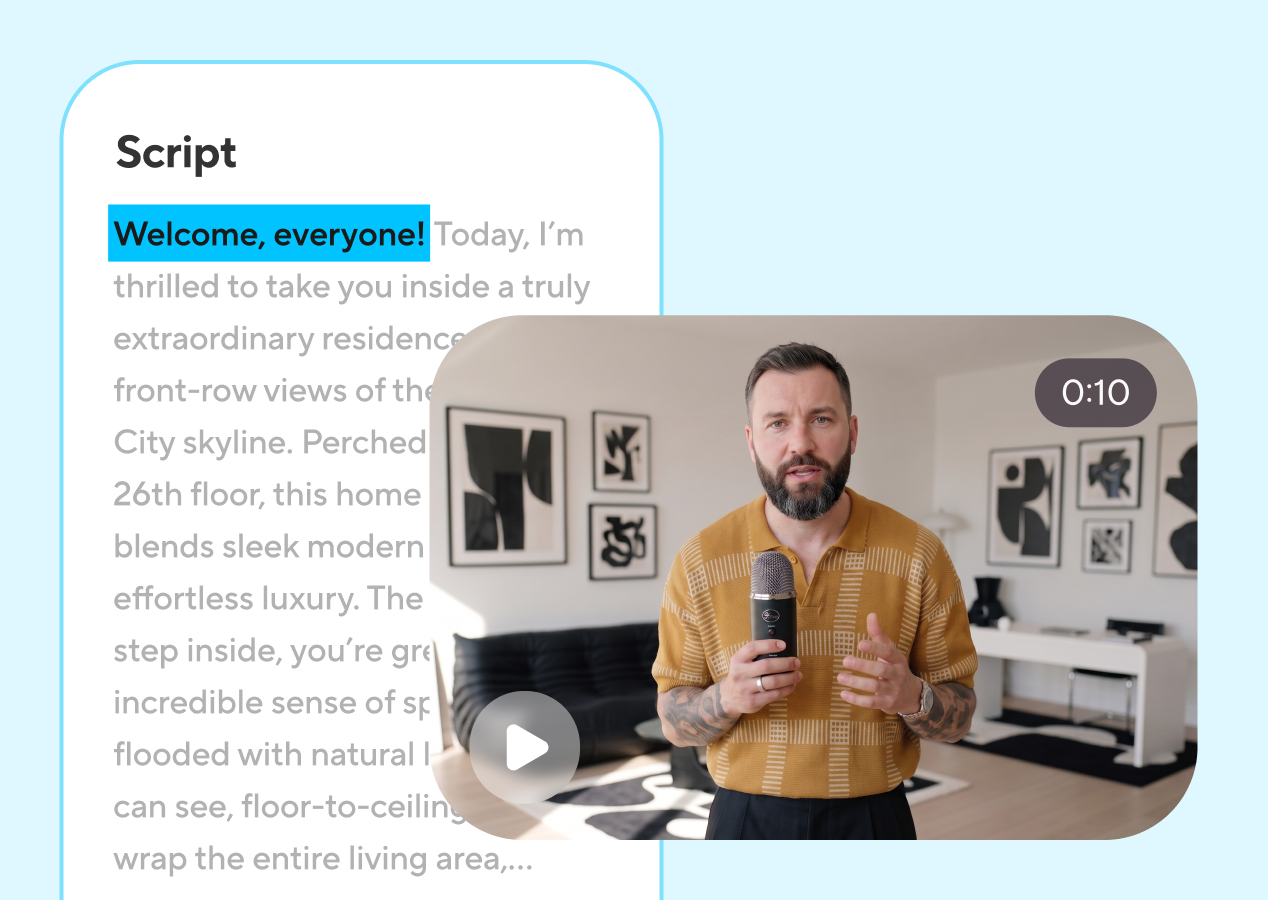
Video writing allows fewer detours than a presentation document. Each sentence should lead to the next. Read the script aloud before pasting it into a tool. If you need to take a breath halfway through a construction, viewers will need time to understand it too.
For this exercise, we propose a simple structure: question, visible action and next step. We do not open with “in today’s world,” because we are reasonably confident the viewer already lives there. Nor do we spend the opening describing the company before giving them a reason to stay.
Does a rescheduled appointment throw you off? In this Estudio Nexo demonstration, we’ll open a booking, review its details and confirm the change. First, we select the appointment. Then we check the time and save the update. To see the full process, follow the link to the demo page.
This text is a structural example, not a claim about an available tool. In a real project, the steps must match the screen. The voice should not say “it sends automatically” while the edit shows someone pressing a button. That small difference can create a much larger commercial expectation.
| Section | Purpose | What we remove |
|---|---|---|
| Opening | Establish a recognizable question | Long introductions and universal statements |
| Demonstration | Show the action that answers it | Unsupported adjectives and invisible steps |
| Ending | Offer a specific continuation | Competing calls to action |
Write spoken and on-screen content separately. A card may contain three words while the voice explains the detail. If visual text repeats every complete sentence, the video starts competing with itself. Use captions to follow speech and labels to highlight what matters.
3. Choose a presenter and voice with a clear role
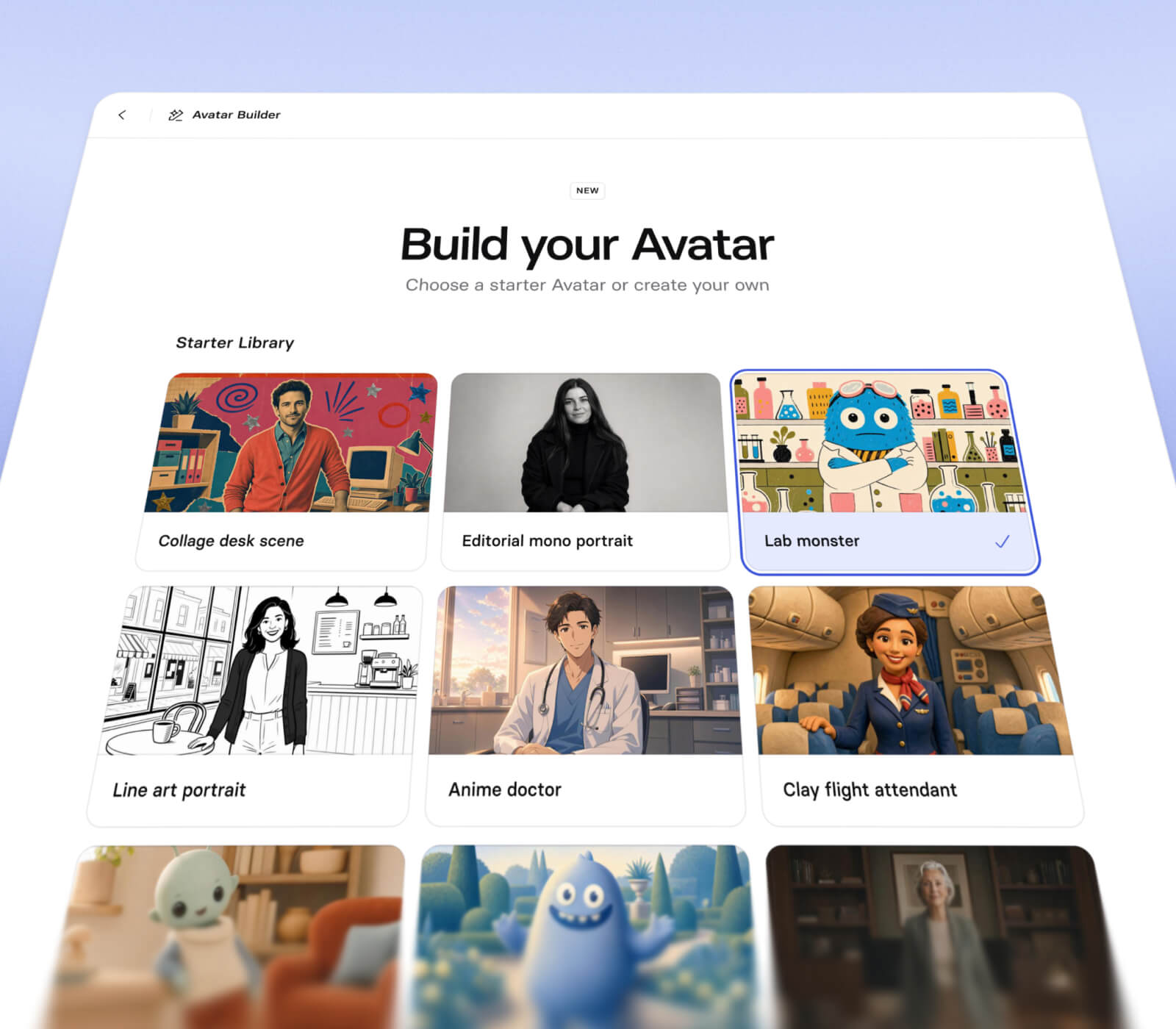
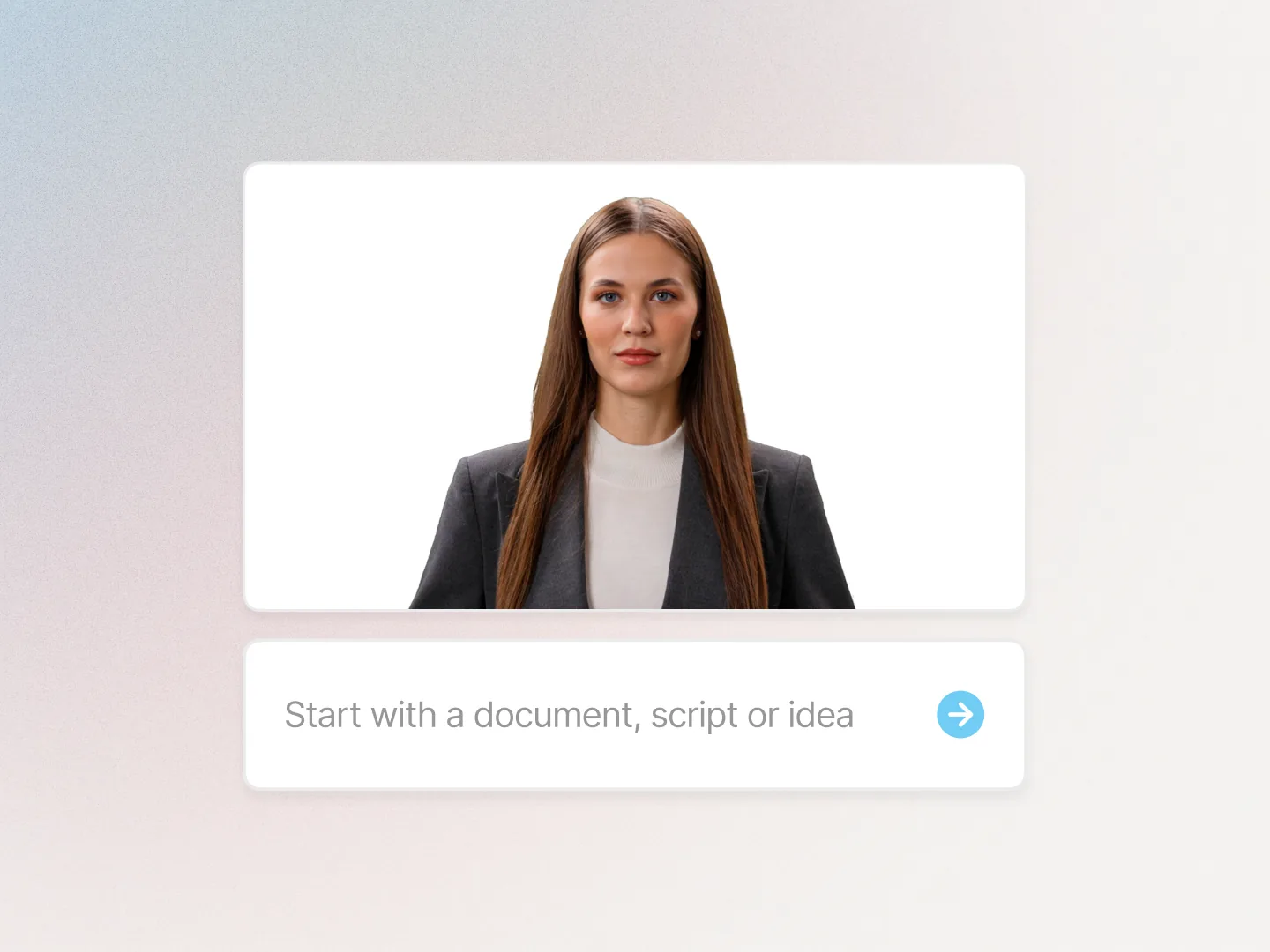
Start by choosing a stock presenter, an authorized representation of your own or an illustrated character. You do not need to turn the tutorial into a full identity project. If trust depends on a particular person, evaluate a digital twin; if it depends on understanding a process, prioritize clarity and composition.

Choose framing with the final destination in mind. A vertical video may leave little space for a complex interface. Use the avatar at the start and finish, and give the middle to the screen. In a horizontal explanation, face and product can coexist if both remain clear.
Test the voice on difficult words before generating the whole script. Keep a sentence containing the brand name, a number and a product term. Then listen to a short sentence and a longer one. This helps detect excessive speed, strange pauses or a loss of natural delivery while explaining something.
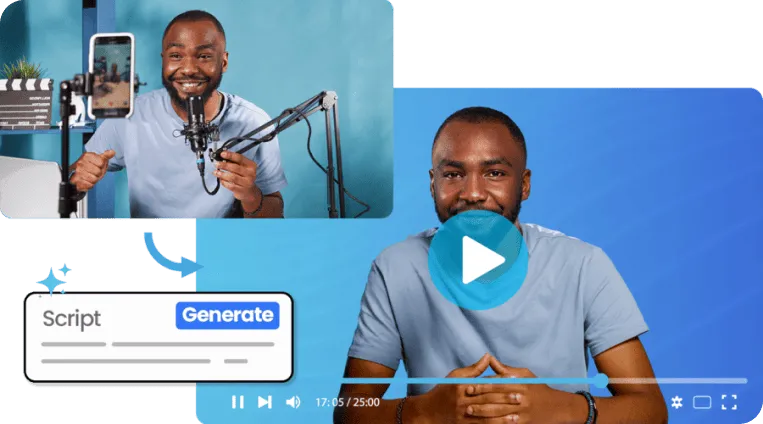
If you reproduce someone’s likeness or voice, agree with them where it will be used and who approves the videos. Follow your chosen provider’s instructions for the source recording; requirements differ between platforms. A visual example from another tool does not replace its capture instructions.
To choose software, see our AI avatar video generator comparison. This tutorial describes a transferable workflow without inventing button names that may change with the interface.
4. Divide the message into scenes
A short script can have several scenes while keeping one clear thread. Decide what visual information each sentence needs. The person introduces the problem; the product shows the step; a card summarizes; the ending connects with the destination. This structure usually keeps corrections within one section.
Avatar to camera with a short question.
A readable screen recording with supporting voice.
A clear destination and one call to action.
| Proposed scene | What we see | What we check |
|---|---|---|
| An appointment changes | Presenter and question | The question makes sense without earlier context |
| The booking opens | Product screen | The highlighted information is readable |
| The change is confirmed | A real interface action | The voice matches what happens |
| Watch the demonstration | Ending and link | The page continues the same subject |
The table is a planning storyboard. It does not show generated frames of the fictional product. For a real project, replace each description with the shot or screenshot you will use and record which product version appears.
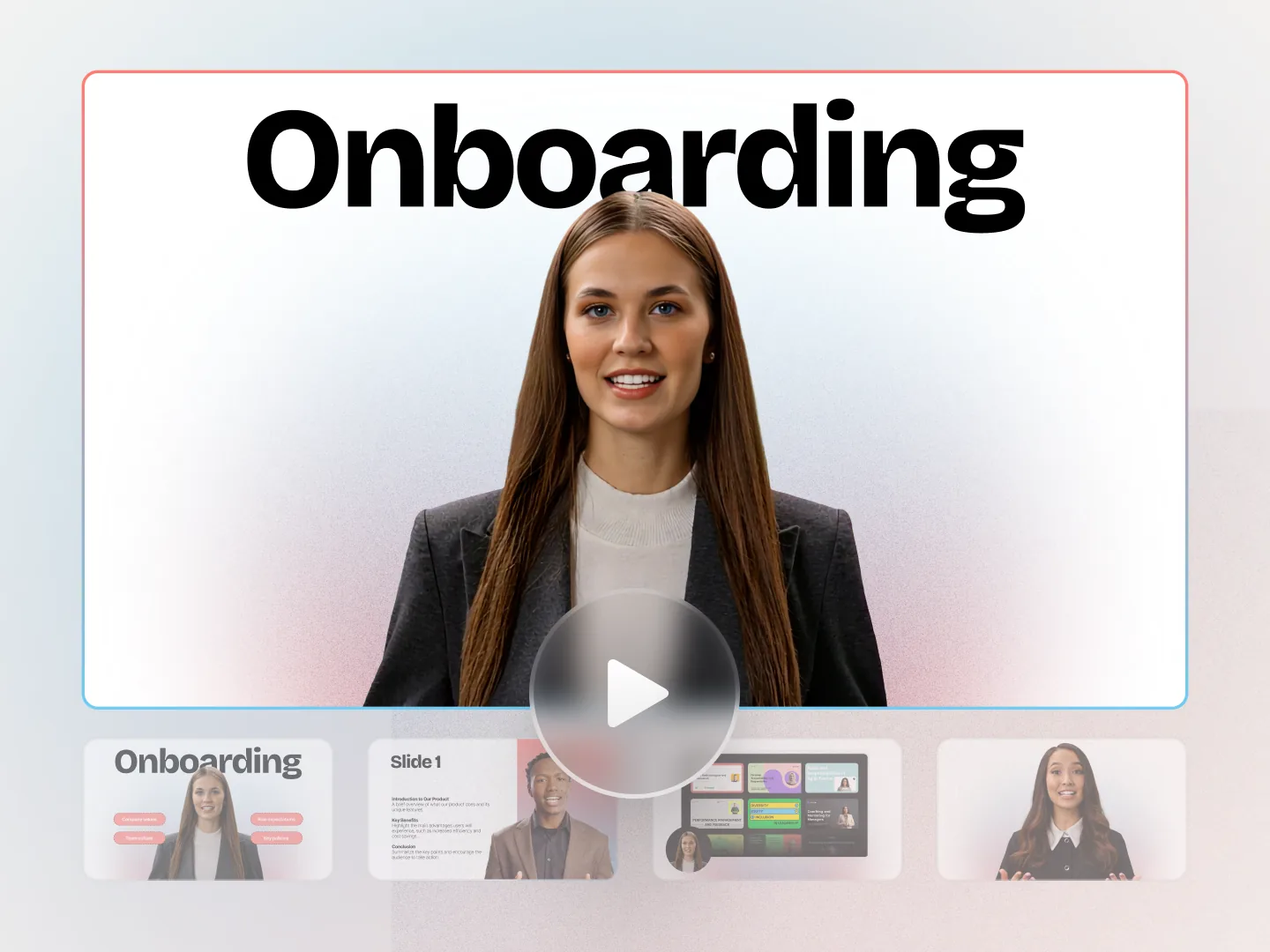
Avoid decorating every scene with a different transition. A cut may be enough. Movement should direct attention to the element answering the question, not show how many effects you found. Brand identity also shows in decisions repeated with purpose.
5. Generate a first version and review in layers
Create a project, add the presenter and divide the script into planned scenes. Add materials and select voice and language. Before producing everything, use any preview or sample options the tool provides. Availability and limits depend on the product and plan.
The first review should ask whether the message makes sense. Another should focus on voice. Then look at image and editing. If you try to fix everything at once, it is easy to fall for a shot and miss an incorrect claim. The script still matters more than a convincing gesture.
To evaluate a take, listen without looking, then watch without listening. Listening reveals pronunciation and pauses. Watching shows whether framing and visual cues explain anything by themselves. This does not prove advertising effectiveness, but it helps find problems before publication.
Mark corrections precisely. “It’s unconvincing” is a valid feeling but hard to edit. “The voice changes pace here,” “the button is outside the crop” or “the presenter smiles during a serious explanation” allows action. Keep the passage and the correction decision.
6. Edit product footage and readable captions
Viewers need to see the important action when it is mentioned. Synchronize the screen recording with the script and avoid speeding it up beyond comprehension. If a step needs more time, allow it or make a separate video. Speeding up the voice to solve the problem usually makes the explanation worse.
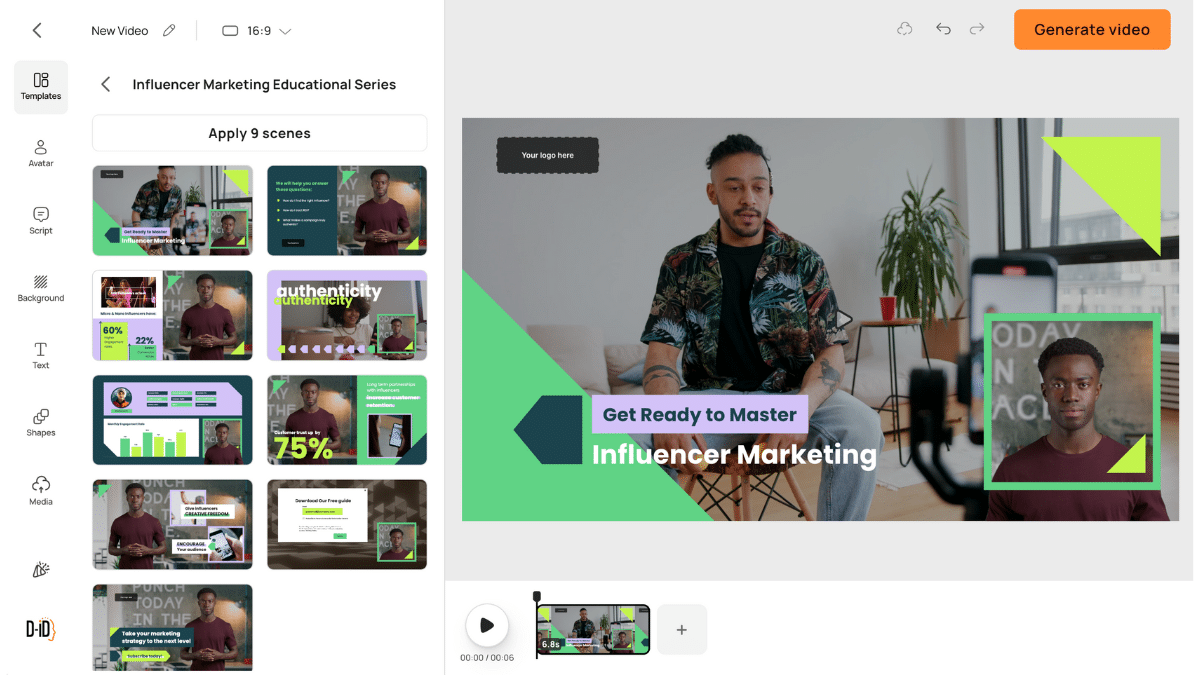
Captions should preserve the correct words at a readable mobile size. Check proper names, punctuation and line breaks carefully. Review the video inside its destination channel so controls, buttons or platform text do not cover important information.
Music can create pace, but it should not compete with a voice explaining a process. Listen using headphones and a phone speaker. If the video only works in perfect listening conditions, adjust the mix before calling it finished.
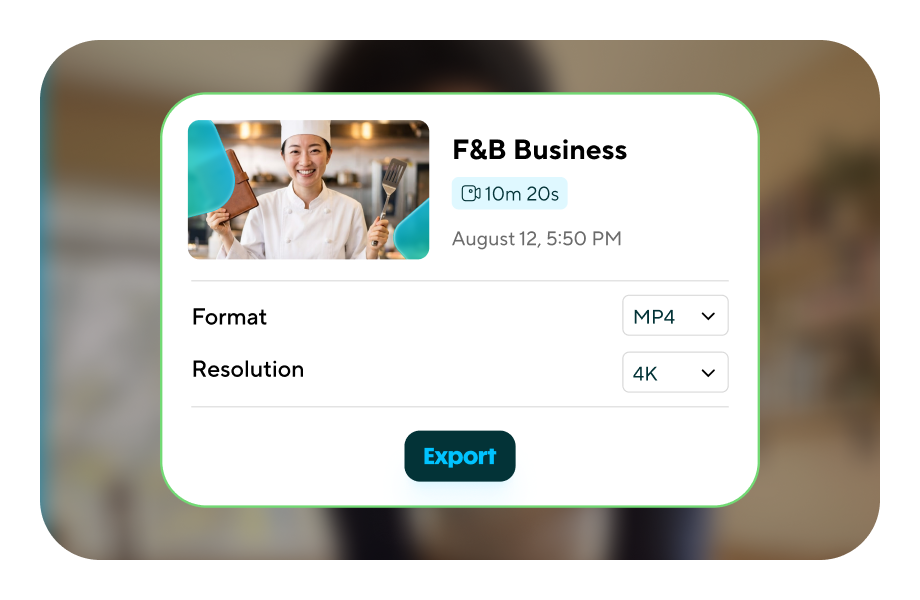
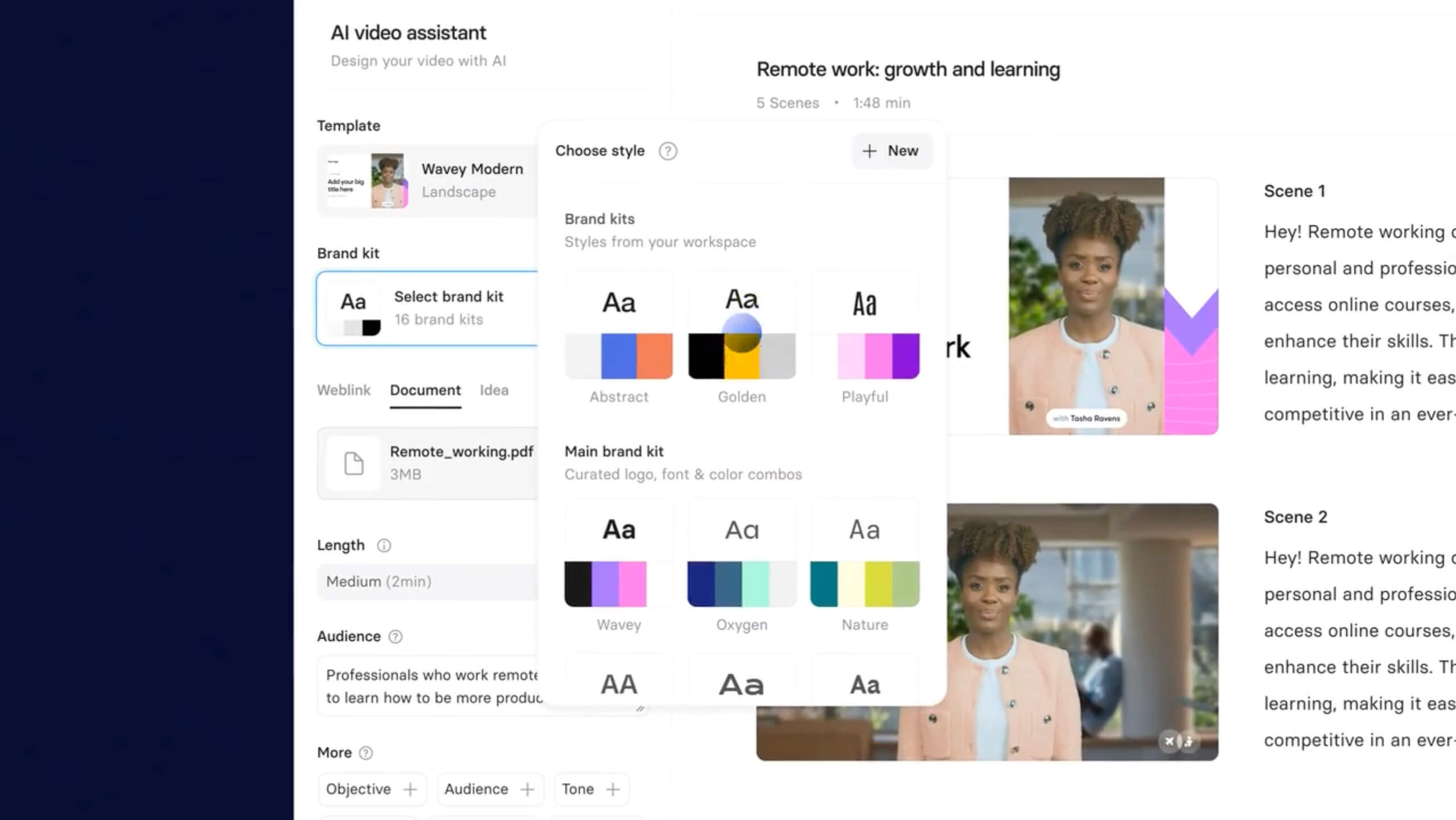
For website content, provide a useful transcript. It lets people read the steps, locate an instruction and understand the video without playing it. The text should match the published content, not the first draft abandoned in a folder.
7. Adapt language versions manually
Start from an approved script and adapt each version deliberately. Translate the meaning, preserve product features and change constructions that sound forced. A spoken script can allow small differences between languages to retain pace and tone.
| Español | Català | English |
|---|---|---|
| ¿Pierdes el hilo cuando una cita cambia de hora? | Perds el fil quan una cita canvia d’hora? | Does a rescheduled appointment throw you off? |
| Vamos a abrir la reserva y confirmar el cambio. | Obrim la reserva i confirmem el canvi. | Let’s open the booking and confirm the change. |
| Consulta la demo para ver el proceso completo. | Consulta la demo per veure tot el procés. | Watch the demo to see the full process. |
These are manually adapted versions of our example. They do not demonstrate Catalan or a particular voice being supported in every platform. Before choosing a tool and plan, check your required languages and produce a voice sample for review.
Check labels and screens too. If the displayed interface is in another language, explain that or use suitable footage. A viewer may understand the voice and still become lost because button names do not match the screen.
Connect each video to its page and call to action in the same language. A version’s consistency ends at the destination, not the file. If visitors must translate the proposition again on reaching the website, the journey is only half finished.
8. Export, publish and keep what you learn
Play the complete file outside the editor. Check the first frame, sound, captions and ending. Then test it on mobile and at its real destination. A generator preview looking correct is not enough.
Keep a production package containing approved script, language, version, product material and export. Add who reviewed the content and which claims may require updates. A video series grows better when the next episode does not depend on guessing how the previous one was made.
Before calling the video finished
The message is verified. The voice pronounces the brand correctly. The screen supports the explanation. Captions are readable. Presenter use is authorized. The link works and continues the subject. The final file has played in full.
After publishing, observe which section raises questions and where attention drops. If visits arrive but few people continue to the demo, review the fit between message and page. If nobody understands a step, fix that step. A specific improvement is usually more useful than replacing the avatar whenever a video fails to take off.
To place this work in a strategy, return to AI avatars for marketing. To make paid creative from the format, continue to how to create ads with AI avatars.
AI avatar video FAQs
How long should an avatar video be?
As long as it needs to answer a question in context. A social opening, product explanation and educational module need different rhythms. Remove repetition before choosing a duration out of habit.
Can I make the whole video inside the generator?
It depends on the tool and edit you need. It may be enough for a simple video. If more precise editing is required, keep the materials and finish in an editor suited to the team.
Why does the avatar sound unnatural?
The cause may be the voice, script or sentence distribution. Try a shorter sentence, a clear pause and another voice before remaking every scene.
Do I need an AI influencer to make these videos?
No. A presenter can explain an offer without a public identity or community. To develop that character, see how to create an AI influencer.
At Lead the Mood, we treat videos as part of a brand’s content and social media presence. A tool puts possibilities on the table. The work is choosing which help explain something that matters.
A 2027 planning guide with official references checked in October 2026. The example, scripts, storyboard and exercise translations are original editorial material. Provider images and video are identified as demonstrations, not results of our own campaign.